Guides / Security
What Happens When Your Visitor Arrives at the Guard House?
Published 4 Oct 2026 · 1 min read
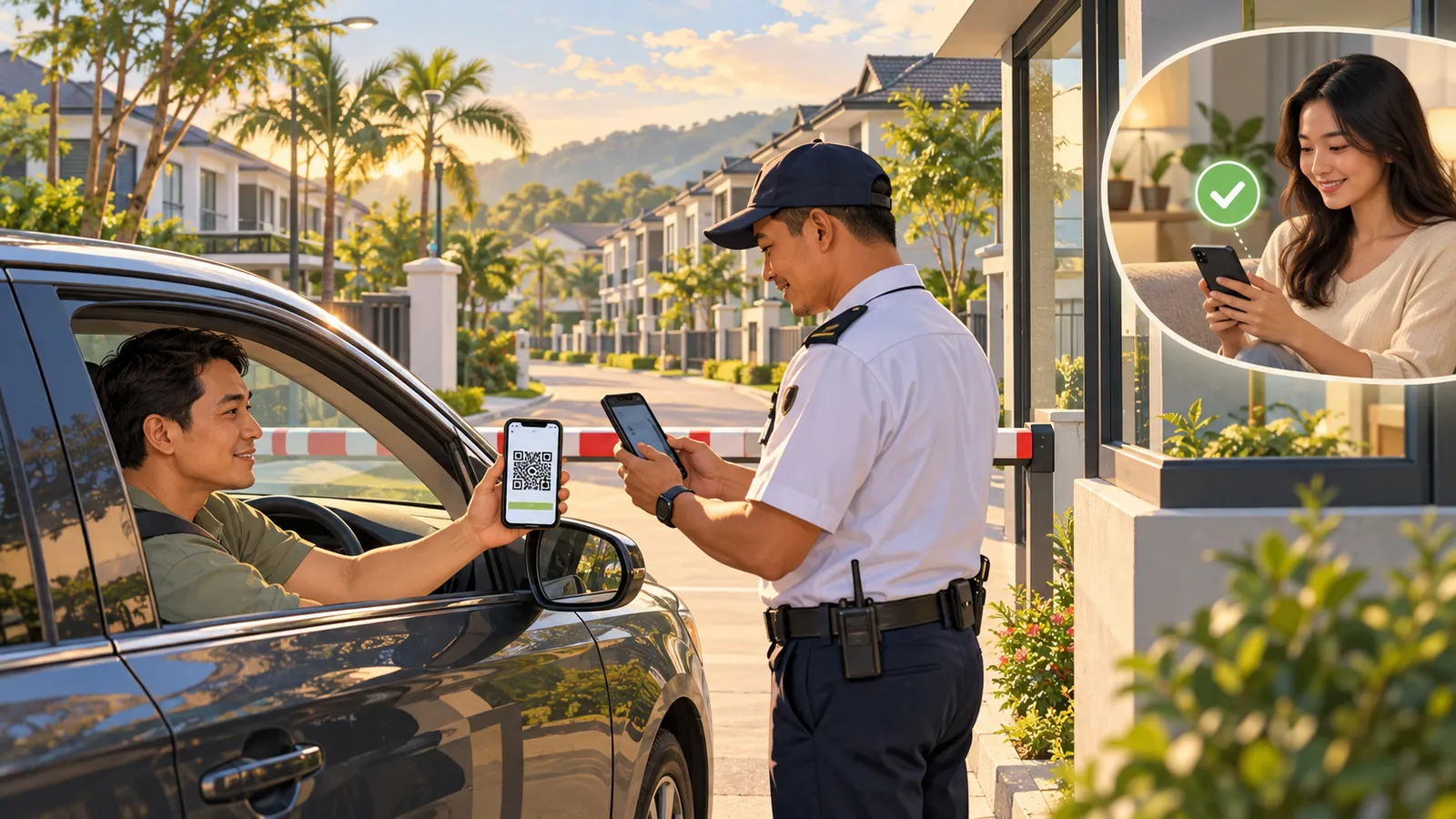
Your visitor is on the way. You have already registered them in TERAS and shared their visitor pass. What happens when they reach the guard house?
Here is the journey, from your WhatsApp chat to their arrival at the gate.
1. Pre-register your visitor
Message your community’s TERAS number and say, “I want to register my visitor.”
Enter your visitor’s name, vehicle plate number, and the period when the pass should be valid. Once you submit the details, TERAS creates a visitor pass. Share the pass link with your guest before they travel to your home.
You can also open TERAS through /login and register your guest from the resident interface.
2. Your visitor shows the pass at the gate
When your guest arrives, they open the link you shared. The pass displays a QR code and a short code.
The guard can scan the QR code or enter the short code in the TERAS guard interface to verify the pass. The guard should also check that the vehicle plate matches the details registered for the visit.
3. You know when they arrive
After the visitor is registered at the guard house, TERAS sends you an arrival notification. This gives you a clear record of when your guest reached the community.
What if your guest does not have a pass?
They can still be registered at the guard house. The guard enters the visitor’s details and, where required for the type of visit, confirms with the resident before completing registration.
Pre-registration helps your guest arrive prepared and gives the guard the information needed to verify their visit. For a smoother arrival, register your guest and share their pass before they reach the gate.
Expecting someone today? Open your community’s TERAS WhatsApp chat and say, “I want to register my visitor.”
Run your community with Teras
Visitor passes over WhatsApp, guard tools on any phone, and fee collection residents actually pay — everything a well-run community needs from day one.