Guides / Opinion
What Does a Visitor Management System Really Cost Your Community?
Published 29 Oct 2026 · 3 min read
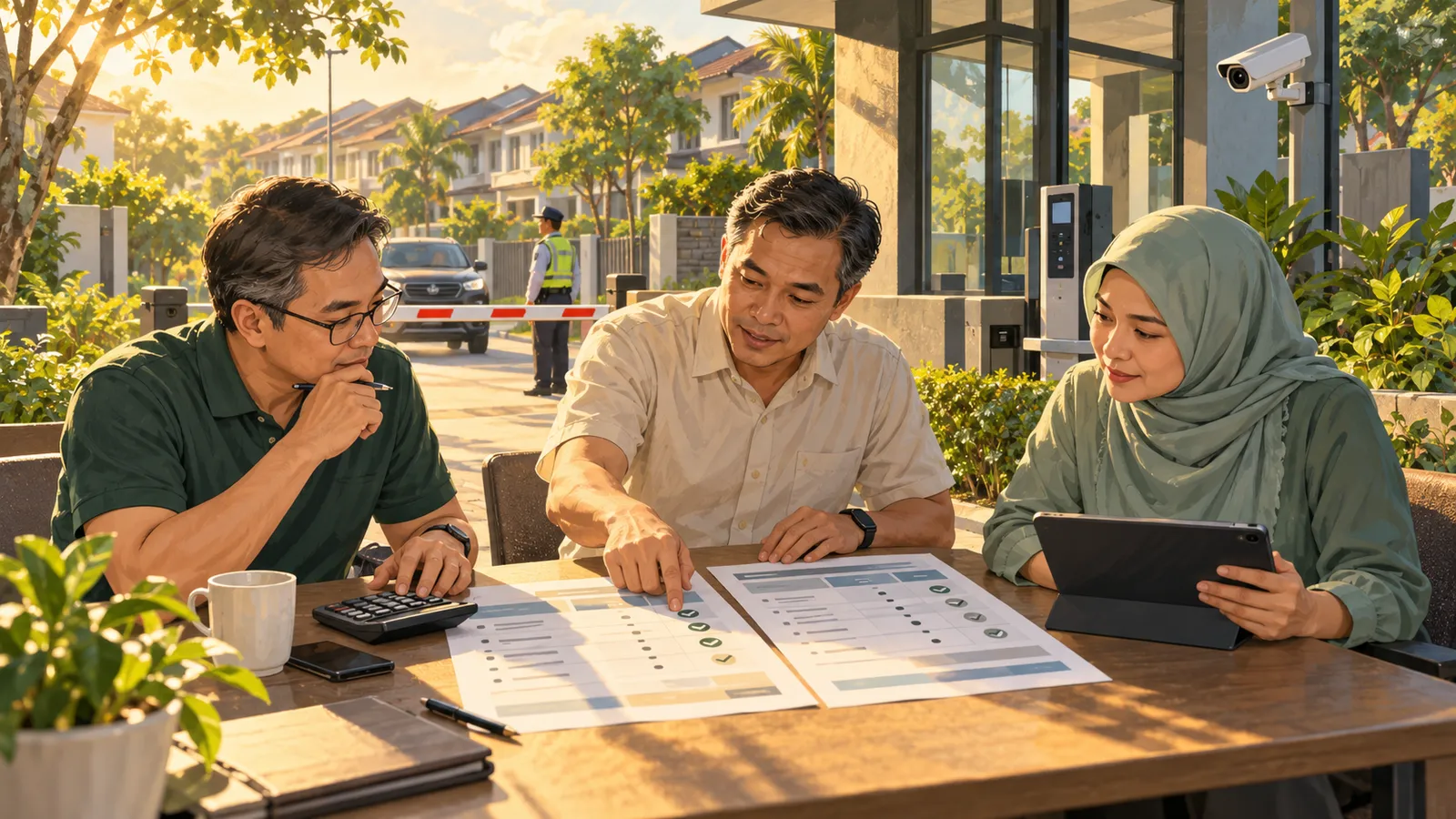
Two visitor management system quotations arrive at your committee meeting.
One has a lower monthly subscription. The other includes equipment, installation and training.
Which costs less?
You cannot tell until you know what each quotation covers.
For a Malaysian residents association, the useful comparison is the total cost of running the proposed system at your guardhouse.
Start with the scope
Before comparing prices, write down what your community needs.
Visitor pre-registration, QR verification and walk-in registration are different requirements from automatic gate opening through number plate recognition.
Decide whether you need:
- Visitor registration and passes.
- Devices for guards.
- Resident vehicle records.
- ANPR integration.
- Additional features such as billing or community communication.
Ask each vendor to quote against the same requirements. Otherwise, a cheaper proposal may simply cover less.
Separate setup costs from recurring costs
A quotation should make both categories clear.
Setup may include installation, configuration, data preparation and initial training. Recurring charges may include software subscriptions, equipment rental, connectivity and support.
Use a simple comparison sheet:
| Cost item | What to ask |
|---|---|
| Software | Which modules, houses and guard posts are included? |
| Setup | What configuration and installation work is covered? |
| Hardware | Is equipment purchased, rented or supplied by the RA? |
| Integration | Is connecting existing gate equipment included? |
| Connectivity | Who supplies and pays for internet? |
| Training | Are replacement guards and new admins covered? |
| Support | What help is included, and when is it available? |
| Renewal | What happens to the price after the initial term? |
Mark each item as included, separately charged or supplied by the community.
Check the equipment at your own site
An existing camera or barrier does not automatically mean the proposed software can connect to it.
Ask the vendor to assess the camera model, gate controller, network and any equipment needed for integration.
TERAS describes integration with existing ANPR hardware through an integration partner. For your quotation, ask for confirmation of compatibility with your actual installation and a clear scope of work.
If equipment can be reused, identify exactly what stays. If equipment must be added, ask why and who will own it.
Include maintenance, warranty and replacement responsibilities in the discussion.
Budget for the people using it
A system needs more than a successful launch day.
Guards change. Committee members change. Someone needs to manage accounts, explain the visitor process and resolve questions.
Ask whether the proposal includes practical training on the guardhouse device, written instructions and help for replacement staff.
For example, TERAS provides a separate guard app and recommends keeping a printed guide at the post. Your committee should still establish who introduces new guards to the process.
Time spent training staff and helping residents belongs in the operating plan, even when it does not appear as a separate invoice.
Understand what “support included” means
Ask for specific answers.
Who handles a login problem? Who investigates a camera that stops recognising plates? Who checks the barrier controller?
Those issues may involve different providers.
Confirm the support hours, contact method, escalation process and any charges for site visits. Ask what happens when a problem occurs outside normal support hours.
Your guards should know whom to contact without searching through old committee messages.
Compare the first year and the following year
Calculate the first-year cost using setup charges, recurring fees and separately quoted items.
Then calculate a normal renewal year.
Check whether introductory discounts expire, hardware rental continues or additional houses and guard posts change the price. Confirm the minimum contract term and cancellation conditions.
Also ask what records can be exported and what happens to rented equipment when the agreement ends.
Use written quotations rather than assumptions.
Choose a cost your committee can explain
The lowest subscription can be a good choice when it covers your needs. A higher quotation can also make sense when it includes work and equipment you would otherwise purchase separately.
The committee should be able to explain what the community is paying for, who keeps it running and what future spending may be required.
Before approving a VMS, ask every vendor to complete the same comparison sheet.
A clear scope makes the price easier to judge.
Run your community with Teras
Visitor passes over WhatsApp, guard tools on any phone, and fee collection residents actually pay — everything a well-run community needs from day one.