Guides / Opinion
Your VMS Should Work on a Guard’s First Shift
Published 25 Nov 2026 · 2 min read
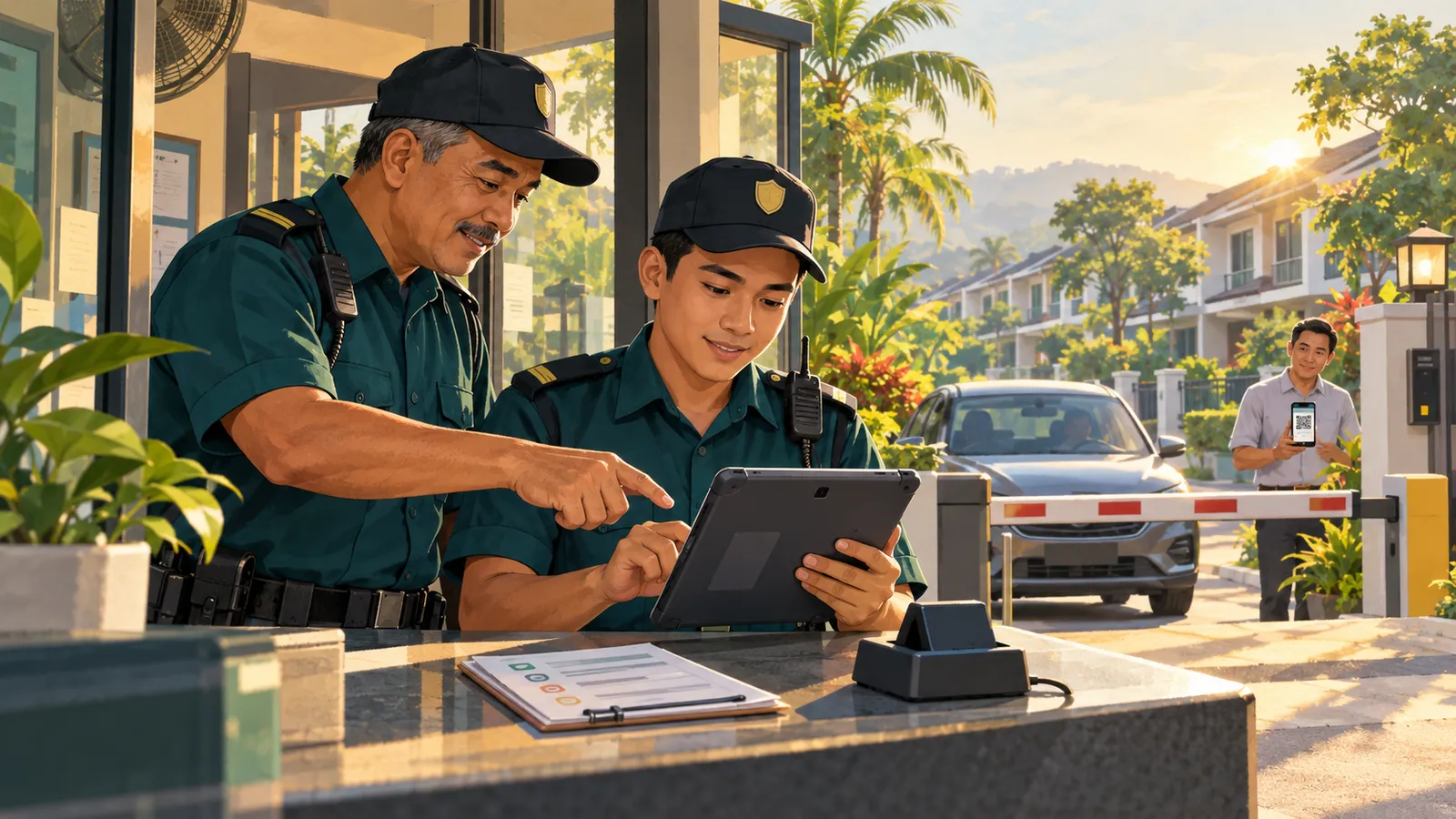
Your most experienced guard knows the residents, remembers regular visitors and can solve almost any problem with the visitor management system (VMS).
Then someone new takes over the shift.
Can that guard verify a visitor, register an unexpected guest and handle a failed pass without calling the committee?
That is a useful test of your VMS and your guard house procedure. Daily operations need to remain consistent when the person at the counter changes.
Teach the tasks a guard will actually perform
A new guard needs to learn the work at the gate. Start with four situations:
- A visitor arrives with a working pass.
- A visitor has a code that cannot be scanned.
- A visitor arrives without a pass.
- A returning visitor needs a new registration.
Demonstrate each task on the device used at the post. Then let the new guard perform it with supervision.
Watching someone scan a code is different from finding the right button and completing the check yourself.
Explain what happens after verification
Training should include what the guard checks on the result screen: the visitor’s details, destination and vehicle plate.
If the screen shows one house but the visitor names another, the guard needs a clear instruction. The same applies when a pass has expired or the resident cannot be contacted.
Write these decisions into the community’s SOP. The software provides information; your procedure tells the guard how to act on it.
Keep instructions where the next shift can find them
A WhatsApp message sent during launch may never reach a replacement guard.
Keep a short printed guide at the post. Include the main tasks, the steps for an internet outage and the contact for support. Use clear wording and screenshots from the actual system.
Review the guide whenever the process changes. An old screenshot can be as confusing as having no instruction at all.
Make the handover practical
Before handing over, check that the device is charged, connected and ready for the next guard. Explain any unresolved visitor issue and confirm the incoming guard knows how to get help.
If there is an outage, record when it started and which arrivals still need to be entered into the system. The next shift should not have to reconstruct what happened.
Keep accounts under control
Ask your provider how guard accounts are created and removed, and whether registration records identify the guard who made them.
TERAS recommends an account for each guard so visitor registrations can be associated with the person who recorded them. Its admin tools support password resets and removing guard access.
Make account updates part of staff changes. A departure should trigger an access review alongside the physical handover of keys and equipment.
Test training during the VMS demo
Invite a guard who has not used the proposed system. After a short introduction, ask them to complete a sample visit and handle a failed pass.
Observe where they hesitate. Is the wording clear? Can they understand the result? Do they know what to do next?
This gives the committee a practical way to assess ease of use before rollout.
Build a process every shift can follow
The goal is consistent visitor handling across the team. Give each guard a working account, practice on the actual device, provide instructions at the post and check their understanding of exceptions.
A VMS becomes part of daily operations when the next person on duty can use it confidently.
Run your community with Teras
Visitor passes over WhatsApp, guard tools on any phone, and fee collection residents actually pay — everything a well-run community needs from day one.