Guides / Guide
How Residents Can Pay Security Fees Online with TERAS
Published 30 Sept 2026 · 1 min read
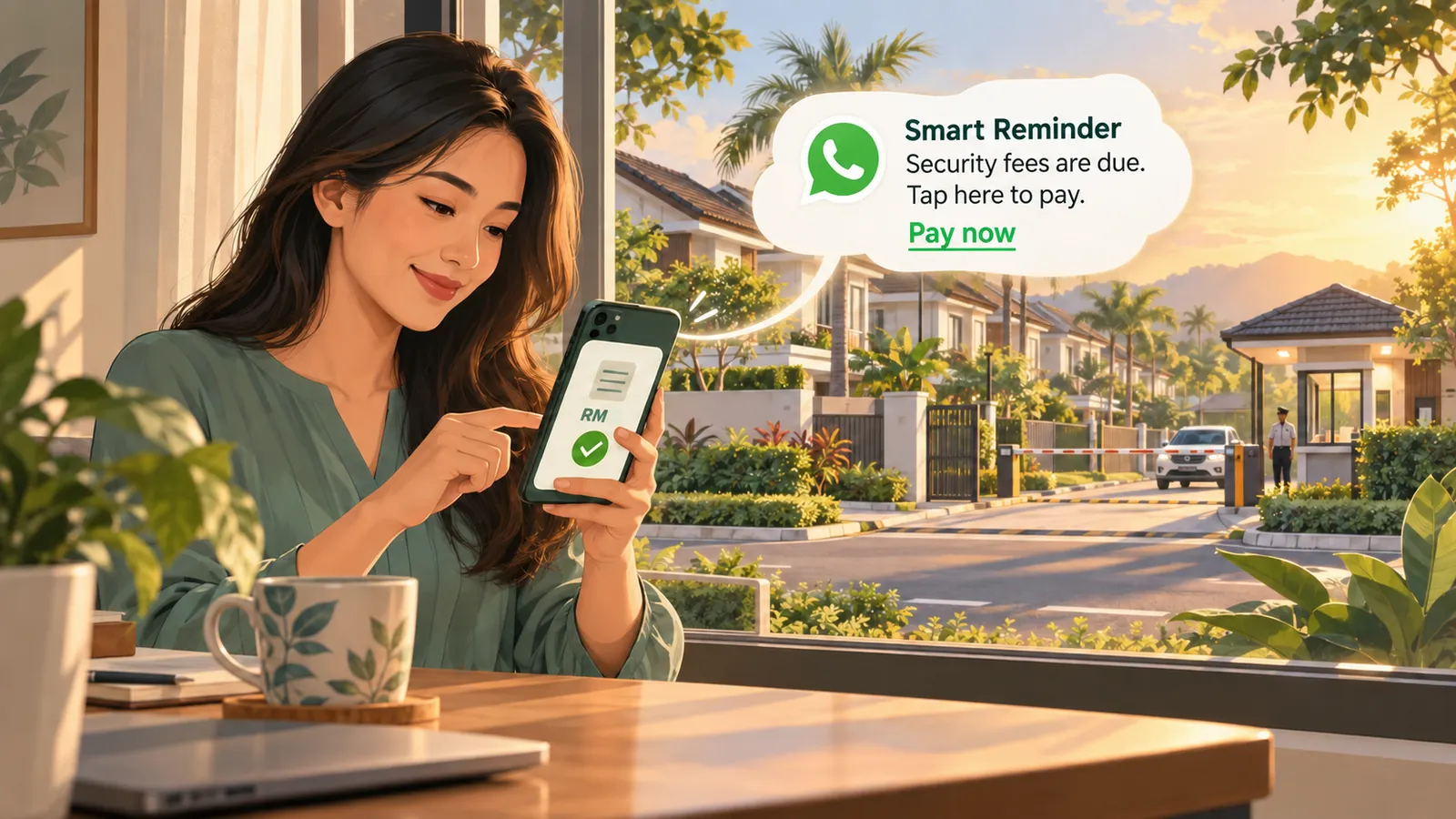
Paying your neighbourhood security fee does not have to involve searching for bank details or sending payment slips to the committee. With TERAS, residents can check their invoices through WhatsApp or the resident interface. If online payment is enabled for their community, they can pay through the payment gateway and check the result in the same place.
1. Check your invoice
Open the WhatsApp chat with your community’s TERAS number and ask, “I need my invoice this month” or “I need my bills this month.”
You can also type /login, tap Open TERAS, then select Invoices on the resident home screen. The invoice list shows the amount and payment status for each bill.
2. Open the security fee invoice
Select the invoice for the relevant month or billing period. Check the fee amount, description, due date, and your household details before making a payment.
Your Residents’ Association (RA) or community admin creates the collection and chooses which households receive an invoice. If an expected invoice is missing or the amount looks incorrect, contact your RA.
3. Pay online, if available
If your community has enabled online payment for this collection, tap the payment button on the invoice page. TERAS will take you to the payment gateway, where you can complete the payment using the methods offered there.
If online payment is not shown, follow the payment instructions provided on the invoice or ask your RA how to pay. Payment options depend on your community’s setup.
4. Check your payment status
After paying, return to Invoices and check whether the invoice is marked Paid. You can also ask TERAS on WhatsApp about your invoice or payment status.
If you closed the payment page before finishing, check the invoice status before attempting payment again. If you paid but the status has not updated, contact your community admin with your payment details so they can investigate.
Why this helps your community
Residents can see what they have been billed and what remains outstanding. For the RA, TERAS keeps household invoices and collection information together, making it easier to monitor payments across the neighbourhood.
Ready to check your security fee? Message your community’s TERAS number, or type /login and open Invoices.
Run your community with Teras
Visitor passes over WhatsApp, guard tools on any phone, and fee collection residents actually pay — everything a well-run community needs from day one.